ChatGPT
ChatGPT vs Codex for building websites: which one should you use?
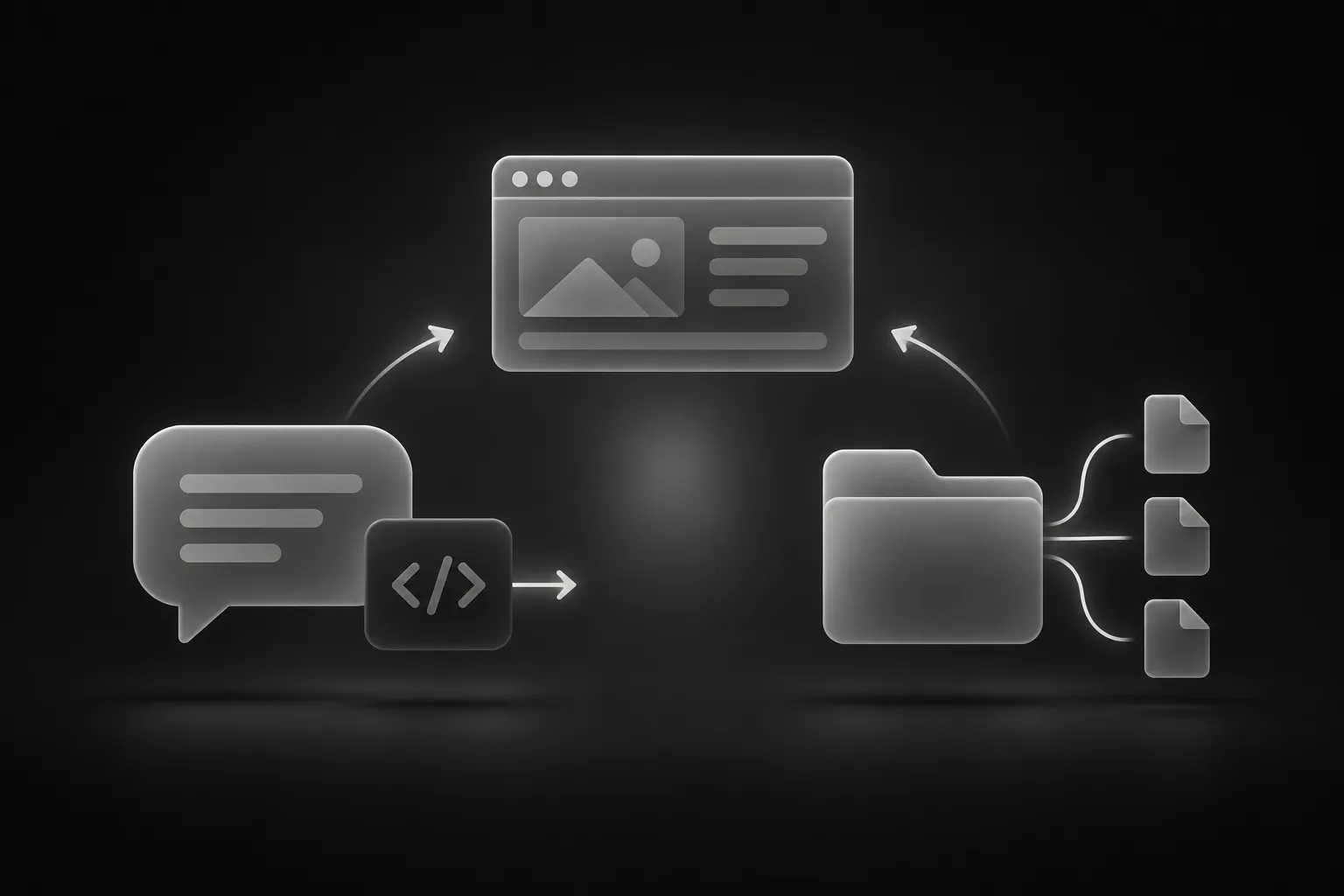
If you want to build a website with OpenAI’s tools, you will quickly meet two names: ChatGPT and Codex. They are easy to mix up, and they are even closer together now that Codex is available inside the ChatGPT desktop app. But they behave very differently, and picking the wrong one is the most common reason people feel the results are “not as good as promised.”
The short version: ChatGPT answers in a conversation, and you do the copying. Codex works inside your project folder, and it does the editing. Everything else follows from that.
How ChatGPT builds a website
In a normal ChatGPT conversation you paste a prompt and get code back. You then copy that code into a file on your computer, open it in a browser and look at the result. ChatGPT cannot see your files, cannot run your site and cannot see your screen.
That sounds limiting, and for large projects it is. But it has real advantages:
- It needs no setup. No folders, no terminal, no project. You can start with a single prompt.
- It is fast for experiments. Preview a component, paste its prompt and have a working version in a minute.
- It suits single sections and standalone files. One hero, one pricing table, one landing page in a single HTML file.
The weak spots are the ones you would expect from a copy-and-paste workflow. Long answers can get shortened with comments like “rest of the code here.” The conversation forgets your project structure unless you paste it back in. And you are the only preview: if the page breaks, you have to notice and report it.
If this sounds like what you need, the ChatGPT and Codex page has a starter prompt and the full workflow for pasting component prompts.
How Codex builds a website
Codex is a coding agent. You open a project folder in the ChatGPT desktop app, or run Codex from your terminal, and it reads the files, makes changes across them and runs commands such as the build. Depending on your approval settings, it asks before editing files or running anything.
That makes it a much better match for a complete template:
- It sees the whole project. It knows which file holds the hero, which one holds the footer and how they connect.
- It can change many files in one request. Renaming a brand across ten pages is one instruction instead of ten pastes.
- It can check its own work. It can run the build and fix errors in the same session.
- It reads an
AGENTS.mdfile. You write your rules once, such as “keep the existing fonts,” and Codex follows them every time.
The cost is a little more setup and more responsibility. An agent that can change many files at once can also break many files at once, so you need to review what changed. See the ChatGPT and Codex page for the setup steps and starter prompts.
Side by side
Starting a new page from a prompt: both work. ChatGPT is quicker to try; Codex produces a result that is already placed in your project.
Customizing a full template: Codex is clearly better. Doing this one file at a time in a chat is possible, but slow and error-prone.
Adding one section to an existing site: either works. If the site is small, paste the prompt into ChatGPT and move the code yourself. If it is large, use Codex so the section matches the existing structure.
Learning and exploring: ChatGPT. It is easier to ask questions, compare options and understand what the code does.
Keeping consistency across many pages: Codex, because it can read the rest of the site before it writes anything new.
A practical workflow that uses both
You do not have to choose one forever. A combination works well:
- Browse the component catalog and use ChatGPT to test two or three prompts quickly. You see which designs you like without touching your project.
- Pick the template or sections you want to keep and open the project in Codex.
- Use Codex to place, connect and adjust everything in the real site, with your
AGENTS.mdkeeping the style consistent.
For a template-based project, a Weblisy template is the natural base for step 2, since it already comes as a project folder.
Tips that apply to both
- One request, one change. Large instructions produce messy results in both tools.
- Give the format you want. In ChatGPT, say “a single HTML file.” In Codex, say which page and position.
- Keep links as placeholders until you have real URLs, so nothing navigates somewhere unexpected.
- Compare with the preview. Prompts aim for a close match, but a perfect copy is never guaranteed. Describe what differs and ask for the fix.
- Never share secrets. Keep API keys and passwords out of prompts and shared files.
Which one should you pick?
Pick ChatGPT if you want to experiment, only need a section or two, or do not want to set anything up on your computer.
Pick Codex if you are building or customizing a full site, want the AI to edit files for you, or you will make many changes over time.
Not sure about other options? Our comparison of the best AI tools for building websites also covers Claude, Cursor and Lovable. And if you want better results from whichever tool you choose, read How to Write AI Prompts That Build Better Websites.