Can I import a Weblisy template into Lovable?
Not directly. Templates are Astro projects, while Lovable works with its own project. Use component prompts, and use the template previews as a visual guide.

Works with Lovable
Paste Weblisy component prompts into Lovable to build sections inside your project, and use template previews as a visual reference.
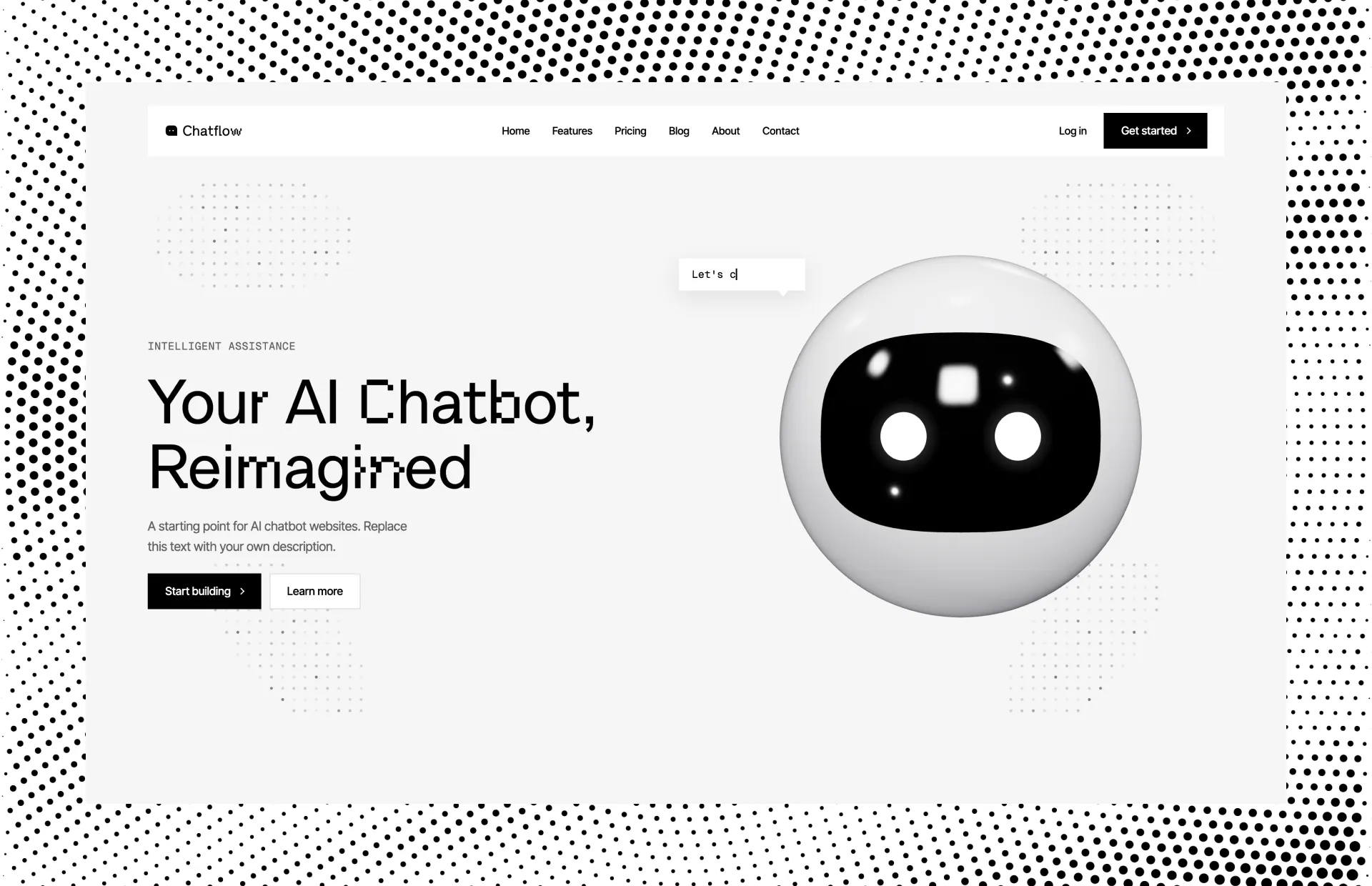

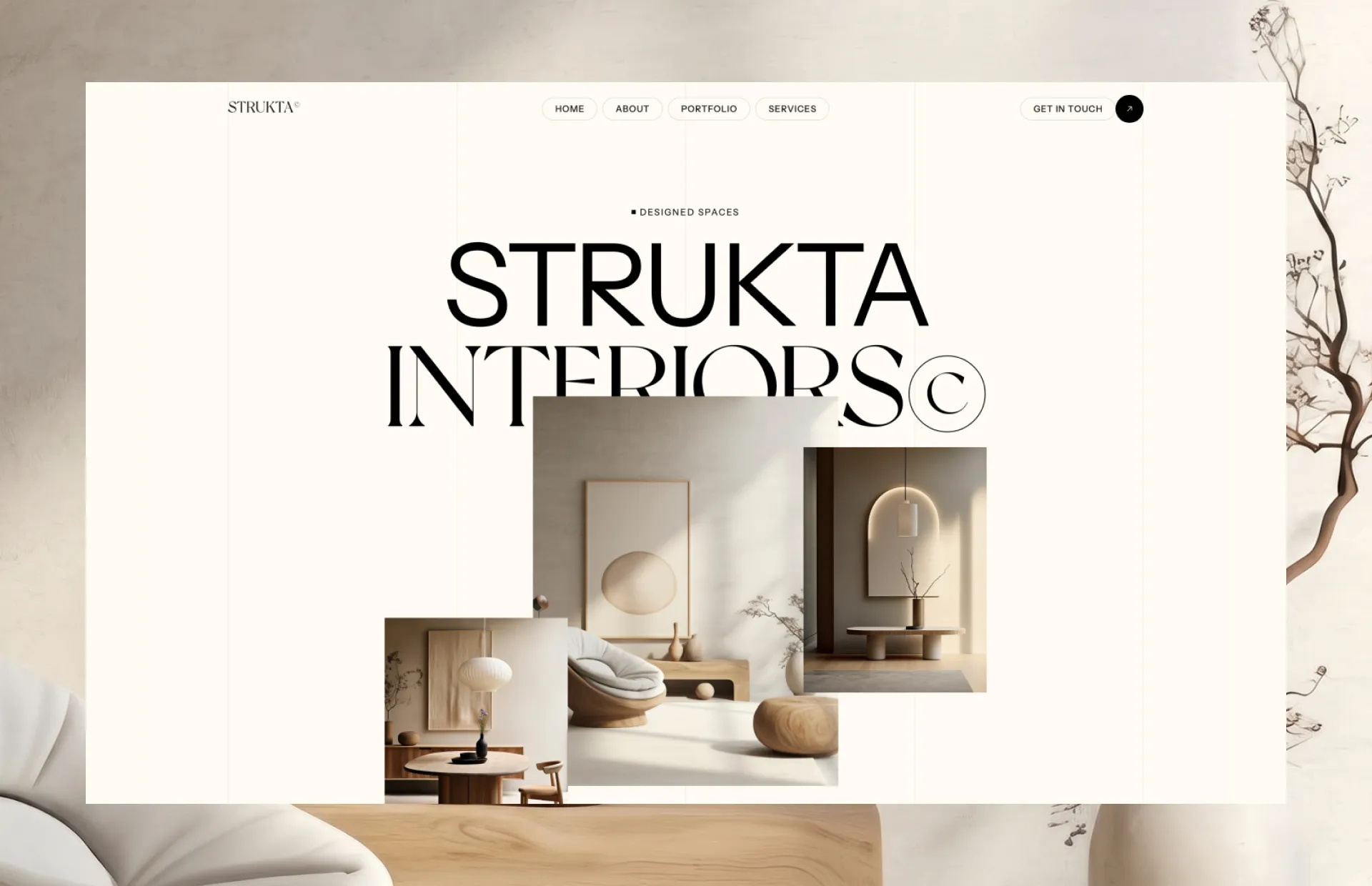
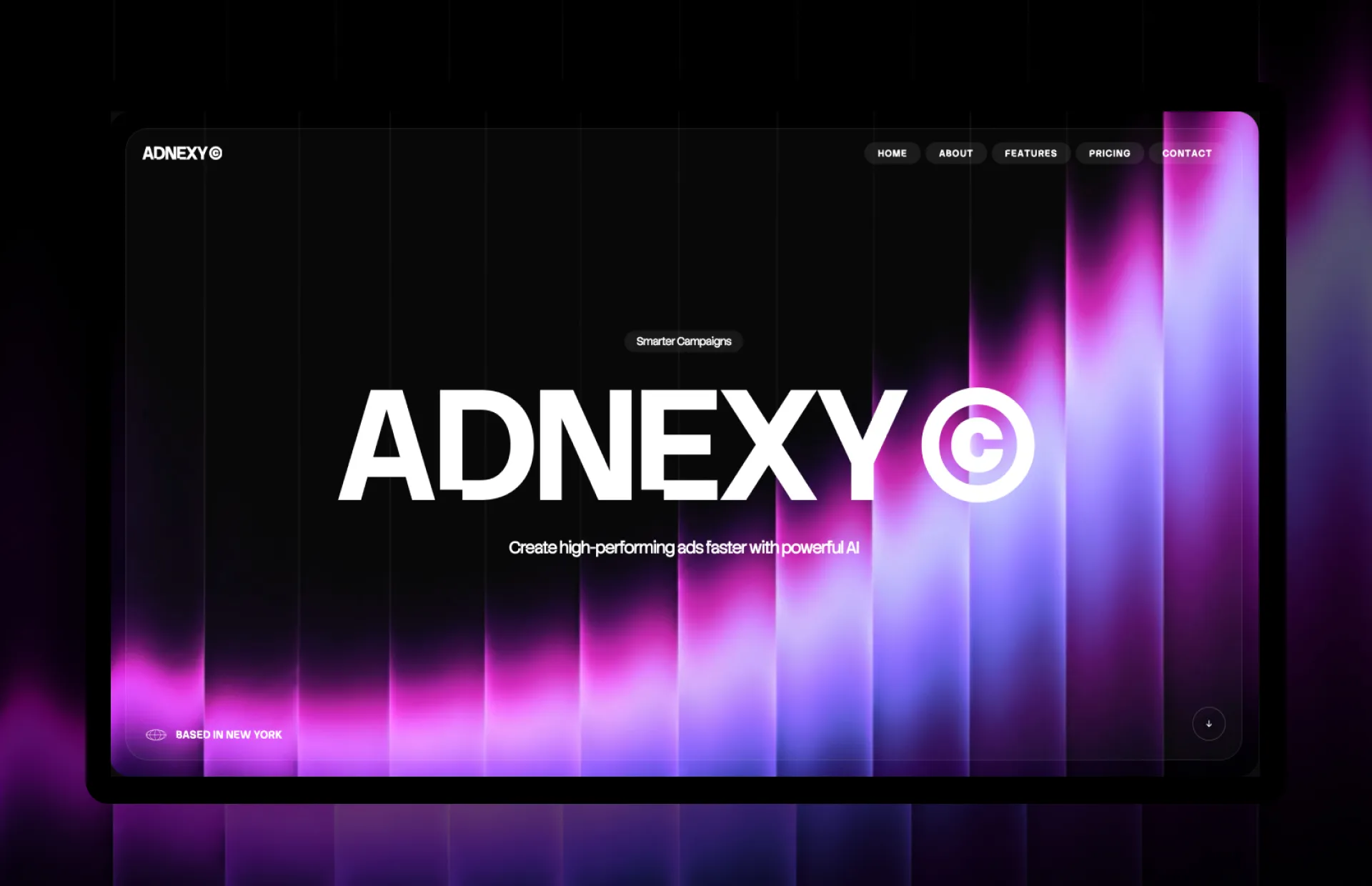
Lovable builds web apps from chat. It creates and hosts its own project, typically a React app, and shows a live preview in the browser as you describe what you want. You do not need to set up anything on your computer.
Because Lovable manages its own project, Weblisy's downloadable Astro templates are not a drop-in fit. The smoother path is component prompts: paste one and Lovable recreates the section in your project. Templates still work well as a visual reference.
Read the step-by-step guide: build website sections with LovableOpen a template's live preview and use it to describe the design you want.
Open a template's preview on Weblisy and note the layout, spacing and style you like.
Describe the structure in your first message, and attach screenshots of the preview if you want Lovable to follow it closely.
Build the page section by section with component prompts so each part matches the design you chose.
Weblisy prompts describe HTML, CSS and JavaScript in detail, and Lovable translates them into its own project.
Add the section described below to my home page, after the hero. Recreate it exactly as specified, but adapt the styling to this project's existing setup. Reuse my current fonts and colors, keep every link as a placeholder (#), and do not change other sections.

[Paste the Weblisy component prompt here]
Replace the bracketed line with the prompt you copied from Weblisy.
Lovable usage is metered by plan, and large requests use more of it. A single section per message is easier to fix when something is off.
Mention your colors and fonts at the start of each prompt, or keep them in your project's instructions, so sections stay consistent.
Use the preview to check phone and tablet widths. If a section breaks, quote the breakpoint from the Weblisy prompt back to Lovable.
Subscribers can connect Weblisy to Lovable with an access key created on the MCP page. After that, ask Lovable for a component and it reads the prompt and code itself.
Not directly. Templates are Astro projects, while Lovable works with its own project. Use component prompts, and use the template previews as a visual guide.
Yes. The prompts describe the section in plain HTML and CSS values. Ask Lovable to recreate the result with your project's existing styling and it translates the details.
It can get very close, but an exact copy is not guaranteed. Compare it with the preview and request specific corrections, such as spacing or font weight.
No. You paste a prompt, check the preview and ask for changes in plain English.
Want to try first? The Michael template and a selection of component prompts are free.See what's free
Every guide covers a different workflow.
Weblisy is an independent product. It is not affiliated with, sponsored by or endorsed by Lovable. All product names are trademarks of their respective owners.