Does Weblisy work with Claude Code?
Yes. Templates are standard Astro projects, so Claude Code can open the folder, install dependencies, run the site and edit any file. Component prompts can be pasted into the same session.

Works with Claude
AI-ready Astro templates and component prompts you can open in Claude Code or paste into Claude to build a website, one section at a time.


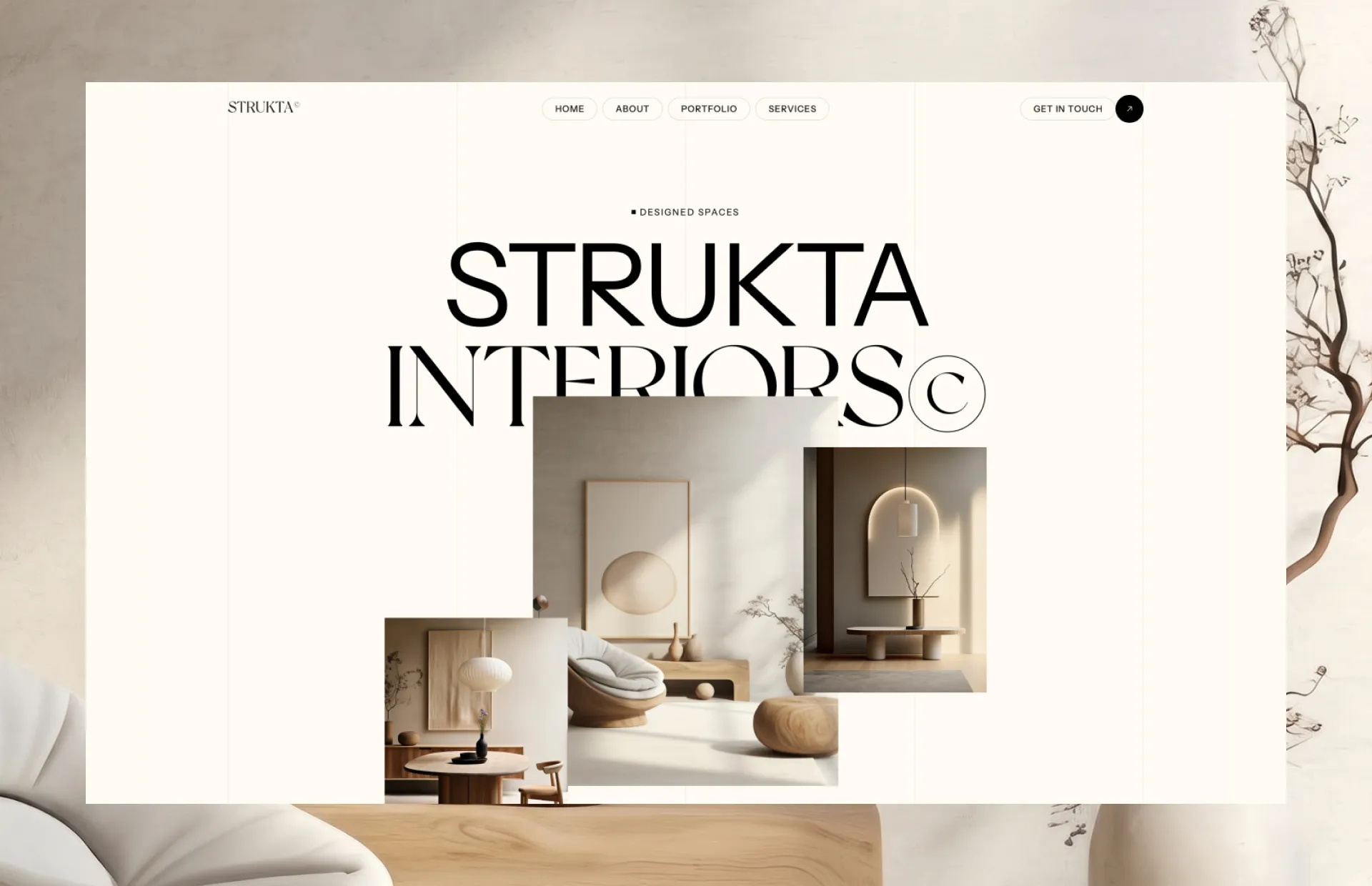
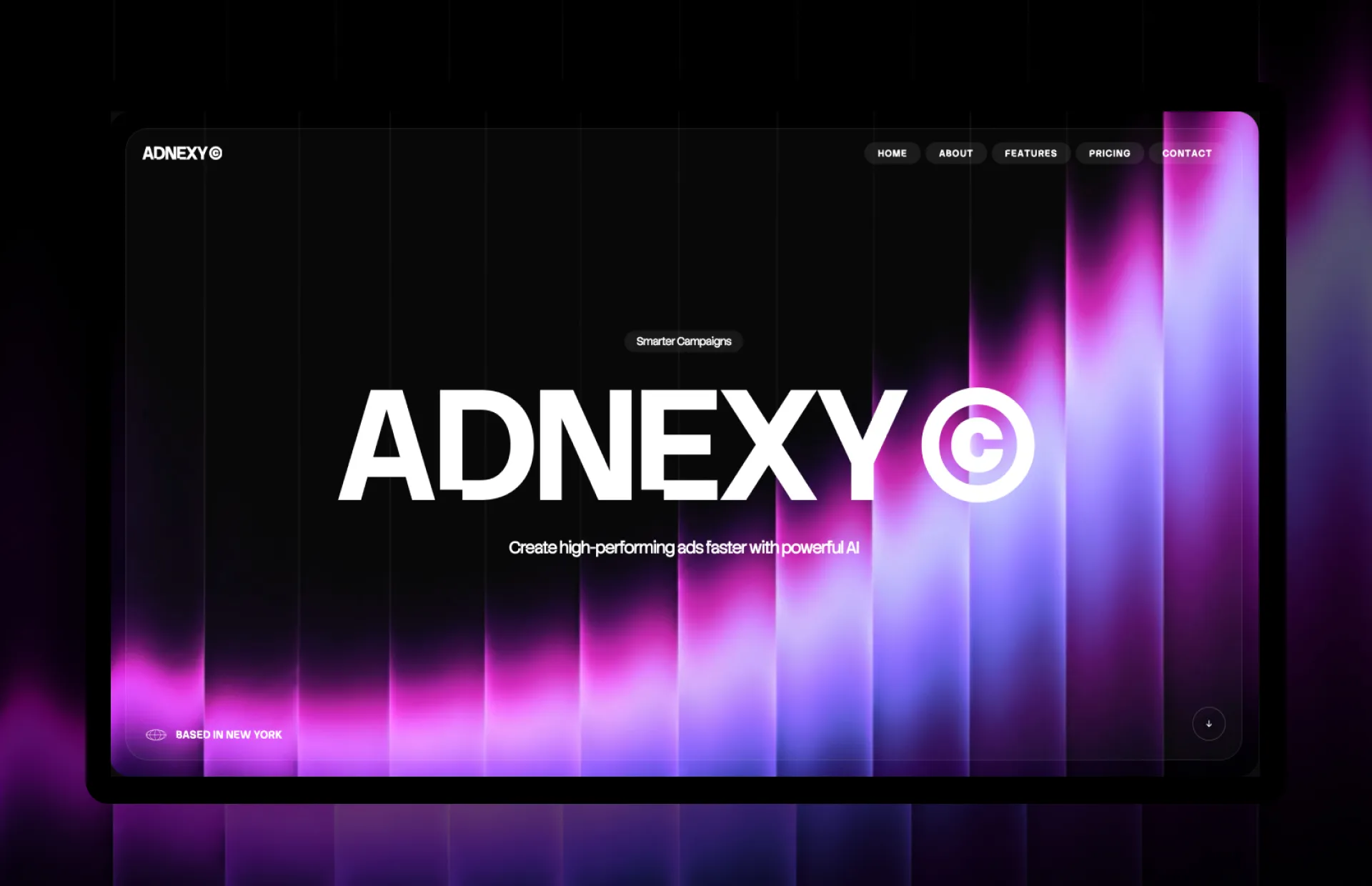
Claude can work in two ways, and Weblisy fits both. In Claude Code, Claude reads your project folder, edits files and runs commands such as the dev server. In the Claude app or on claude.ai, you chat with Claude and paste code or prompts into a conversation.
Weblisy prompts are long and precise: they spell out spacing, easing, breakpoints and image URLs. Claude tends to follow detailed instructions closely, which is why they suit it well. Results can still vary between models and sessions, so always check the preview.
Read the step-by-step guide: build a website with Claude CodeEvery Weblisy template is an Astro project. Download it, unzip it and let Claude Code work inside the folder.
Unzip the template, then open the folder in Claude Code (run claude from inside it) or in the Claude desktop app. Claude can read the whole project before you ask for anything.
Create a CLAUDE.md file in the project root with your brand name, colors, tone and rules such as keep the existing fonts. Claude Code reads it at the start of every session.
Ask Claude to install dependencies, start the dev server and change one thing at a time: the hero text, the images, the pricing section. Review each change in the browser before moving on.
Give Claude a component prompt, either inside an existing project or in a regular chat.
Read this project first and summarize how it is organized. Then add the section described below as a new component on the home page. Reuse the project's fonts and colors, keep every link as a placeholder (#), and do not change any other page.

[Paste the Weblisy component prompt here]
Replace the bracketed line with the prompt you copied from Weblisy.
Long sessions fill Claude's context with old code. A new session for each section keeps instructions sharp and reduces mistakes.
Look at Claude's result next to the Weblisy live preview and describe the difference, such as the cards need more space between them. Specific feedback fixes things faster than asking for another try.
In Claude Code, ask Claude to run the dev server and check for build errors after each change, so problems show up immediately.
Subscribers can connect Weblisy to Claude as a custom connector. After signing in once, ask Claude to find a component and it reads the prompt and code for you, without leaving the app.
Yes. Templates are standard Astro projects, so Claude Code can open the folder, install dependencies, run the site and edit any file. Component prompts can be pasted into the same session.
Yes. Paste the prompt and ask Claude to return a single HTML file with the CSS and JavaScript included. You can open it in your browser or move the code into your project.
No, but it helps to check the preview after each change. You describe changes in plain English and Claude edits the files, while you stay in charge of what goes live.
Yes. The Michael template and a selection of component prompts are free. The Free page lists them, and the pricing page covers unlimited access.
Want to try first? The Michael template and a selection of component prompts are free.See what's free
Every guide covers a different workflow.
Weblisy is an independent product. It is not affiliated with, sponsored by or endorsed by Anthropic. All product names are trademarks of their respective owners.